Avni August Release
August 31, 2026 by Avni Team
Build an app from a spec with AI Autopilot, configurable Visit Date visibility, and a fix for the bulk upload job that could stall your whole queue. Here's what changed.
AI Autopilot: set up an Avni app from a field-workflow specification
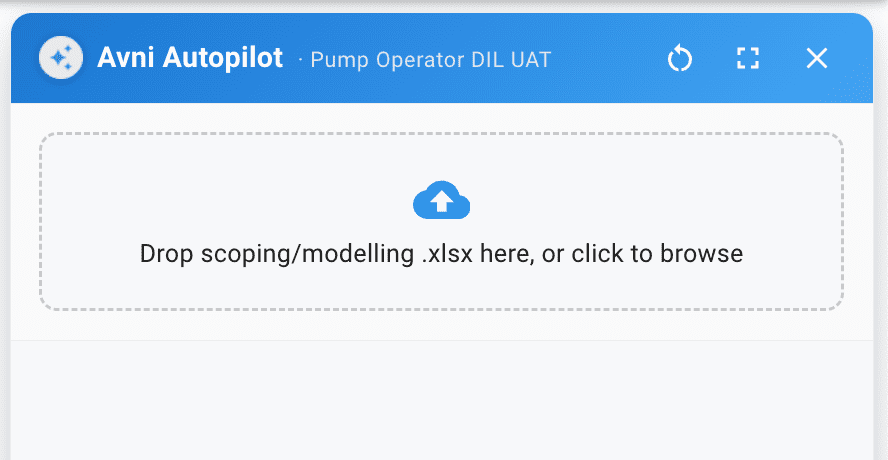
From specification to working app
Upload a specification document and Autopilot builds the app configuration for you — entities (subject types, programs, encounter types), forms, visit-schedule rules, form-element rules from the values in the document, and all form-level rules from the specification or via chat.
Conversational follow-ups fill in the gaps — and Autopilot is now your single assistant for everything, answering general questions about Avni that the older chat assistant used to handle.
→ View technical details
Configurable visibility for the auto-populated Visit Date
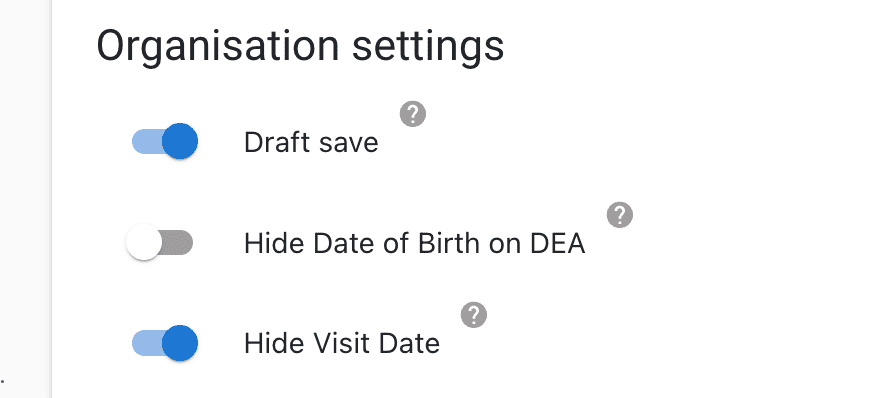
Hide or lock the Visit Date
The Visit Date field, auto-populated on encounters, can now be configured per Encounter Type in App Designer — hideVisitDate to hide it from the form, and visitDateNonEditable to keep it read-only. In both cases, the date is still captured and saved in the background.
→ View technical details
Minor enhancements
Group member selection respects form element rules
"Display all group members" now respects the form element rule when selecting many subjects at once, on both the mobile app and the Data Entry App. (avni-client#2003)
Target Android 16
The app now targets Android 16 (API level 36), meeting the Play Store's target API level mandate. (avni-client#2017)
Flash forced on during photo capture
Photo capture now forces the flash on, blocking capture if the flash is unavailable or fails.
Performance improvements
Bulk location uploads no longer stall the job queue
A locations bulk upload could wedge the shared background job worker for hours, stalling every queued CSV import, bundle upload, and export behind it. A 200-empty-column file that previously took 79 seconds now completes in 2.1 seconds. (avni-product#1897)
Share Feedback and Stay Updated!
Join our Avni community on Discord to share your thoughts, ask questions, and get the latest updates.
Need a walkthrough or have questions? Feel free to schedule a demo call here.
Tags